VMware vSphere 8 Professional Training & VCP-DCV Certification
Early Bird Offer – Save 10% Now
In India: INR. Outside: USD.
By proceeding, you agree to SkillPlus Privacy Policy and Terms & Conditions.
VMware vSphere 8 Course Curriculum
- Introduction to VMware vSphere 8
- Server Virtualization
- Storage Virtualization
- Network Virtualization
- What is vSphere, ESXi & vCenter
- vSphere Hypervisor (Free Version)
- Support & Upgrade of ESXi Free Version
- Downloading, Installing & Configuring ESXi8
- Installing ESXi & DNS
- Deploying / Configuring VCSA
- Configure vCenter
- Creating Datacentre
- Adding Host
- Create Cluster & Folders
- ESXi Maintenance Mode
- vSphere & vCenter Licensing
- Assigning License to ESXi & vCenter
- vSphere & vCenter Pricing
- vSphere Kits License & Pricing
- Create VM with Hot Add enabled
- Methods of mounting ISO image to boot the VM
- VM tools Installation
- Hot Add of RAM, CPU & HDD
- Hot Extend of HDD
- Register/Unregister VM
- Cloud Computing- Iass, Saas, PaaS
- How Server is created in AWS Cloud
- Exporting & deploying OVF Template
- Converting VM to Template
- Creating Content Library
- Adding ISO images and Templates in Content Library
- VM files extension
- Cloning Options
- Guest OS Customization
- Suspended State of VM
- Difference between Backup & Snapshot
- Creating, Managing & Deleting Snapshot
- Basics of vSphere Security
- Adding AD Domain to SSO
- Assigning permission to SSO user and AD user
- Creating Roles
- Creating and Applying Host Profiles
- Reset ESXi root Password using Host profile
- Exporting & Importing Host profile
- vSphere Virtual Networking Terminologies
- Discussion on Standard Switch
- Virtual Machine Port Group & VMkernel Network Adapter
- Adding/Removing vmnic on vSwitch
- NIC Teaming & Active/Passive Failover testing
- vSphere Advance Networking Scenarios
- VLAN Tagging
- Trunk Ports
- Separating vMotion and FT Traffic
- Datastore Concepts
- Shared Storage
- SAN vs NAS
- VMFS and NFS
- FC & iSCSI SAN
- Thin Disk, Thick Lazy Disk & Thick Eager Disk
- Basics of HCI-Hyper Converged Infrastructure
- Formatting Local Storage as VMFS
- Adding iSCSI SAN to ESXi host and Formatting as VMFS
- Mounting NFS storage on ESXi host
- Live Storage Migration using SVMotion
- Live Server Migration using vMotion
- Live Server & Storage Migration Shared Storage (vMotion+SVMotion)
- Load Balancing across ESXi hosts using DRS
- Enhanced vMotion Compatibility (EVC)
- Automation Levels in DRS
- DRS Rules to keep VM Separate & Together
- DRS rule VM to Host
- Power Saving using DPM
- Load Balancing across Datastore using SVMotion
- Automation levels in SDRS
- SDRS VM Affinity & vmdk Anti-Affinity rules
- Overriding SDRS cluster Setting for vmdk anti-affinity rule
- Requirements & Licensing for HA
- Election of Master & Slave Host
- Configuring & Testing HA
- Primary & Secondary VM in FT
- Configuring & Testing Fault Tolerance
- Creating Distributed Switch
- Adding ESXi Host to dvSwitch
- Migrating all VMs & VMkernel to dvSwitch
- Migration from Standard to Distributed Switch
- P2V/V2V using VMware vCenter Converter Standalone
- Taking Backup of vCenter and Restoring
- Using VMware Lifecycle Manager to Upgrade and Patch ESXi host
VMware vSphere 8 Course Outcomes
See what you will be able to do step‑by‑step after completing this VMware vSphere 8 training.
vSphere Fundamentals
- Install ESXi 8.0 hosts & configure vCenter Server.
- Understand hypervisor architecture & vSphere components.
- Set up networking, storage & basic VM management.
Resource Management
- Configure vMotion, Storage vMotion & EVC modes.
- Implement resource pools & VM affinity rules.
- Optimize CPU/memory allocation & performance tuning.
High Availability & DRS
- Deploy vSphere HA, DRS & Fault Tolerance.
- Configure cluster admission control & maintenance mode.
- Set up datastore clusters & Storage DRS policies.
Advanced Features & VCP-DCV
- Implement vSAN, NSX integration & backup solutions.
- Configure security hardening & vSphere certificates.
- Prepare for VMware VCP-DCV 8 certification exam.
VMware vSphere 8 Roadmap
Follow a clear path from vSphere basics to VCP-DCV certification and job-ready roles.
ESXi & vCenter Server Fundamentals
- Install ESXi 8.0 hosts & configure vCenter Server.
- Understand vSphere architecture, networking & storage.
- Create & manage VMs, templates & basic clusters.
Resource Management & vMotion
- Configure vMotion, Storage vMotion & EVC modes.
- Implement resource pools & VM affinity rules.
- Optimize CPU/memory allocation & performance tuning.
High Availability & DRS Clusters
- Deploy vSphere HA, DRS & Fault Tolerance.
- Configure cluster admission control & maintenance mode.
- Set up datastore clusters & Storage DRS policies.
Advanced Features & VCP-DCV Certification
- Implement vSAN, NSX integration & backup solutions.
- Prepare for VMware VCP-DCV 8 certification exam.
- Target Virtualization Engineer & Cloud Admin roles.
Why Choose SkillPlus Academy
These are the key reasons students and professionals trust SkillPlus Academy for cybersecurity training.
Reviews 4.9/5Certified & Recognized
Government Trademark Registered, ISO 9001:2015 Certified, and Udhyam MSME Registered.
Hands-on Labs & Projects
Work on real scenarios, tools and projects so you build skills that are directly useful in jobs.
Small Batch, 1:1 Support
Learn in small batches with personal doubt-solving, extra help sessions and guided practice.
Certified & Experienced Trainers
Training by certified professionals with real project experience in cybersecurity and networking.
Internship & Placement Assistance
Get guidance for internships and job opportunities in cybersecurity after completing your training.
Resume & Interview Support
Resume building, interview prep, mock interviews and referral support to help you crack roles faster.
VMware vSphere Career Path
Progress from junior virtualization admin to senior cloud architect roles with vSphere expertise.
Install ESXi hosts, configure vCenter, manage basic VMs & perform routine virtualization tasks.
Deploy vMotion, HA clusters, DRS & manage enterprise vSphere environments with storage integration.
Design vSAN, NSX solutions, hybrid cloud deployments & lead VCP-DCV certified teams.
Showcase Your Skills & Certification
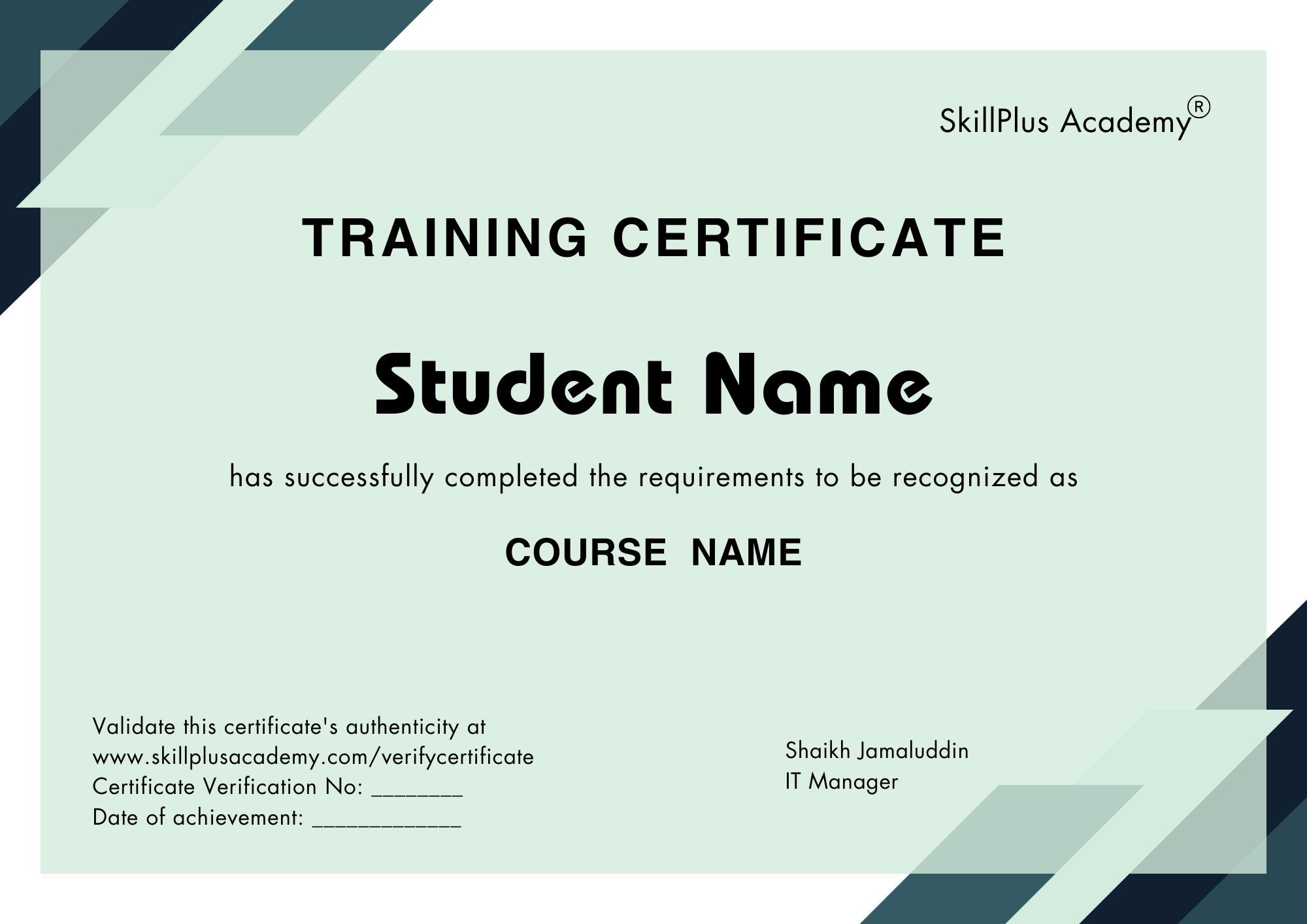
Fast-track promotions and leadership roles.
Credentials trusted by top employers.
Add certificates to LinkedIn instantly.
Get noticed for high-growth roles.
Hands-on projects and real-world learning.
Connect with learners and mentors.
VMware vSphere 8 Course FAQs
SkillPlus Academy offers one of the best VMware vSphere Training with hands-on training, expert mentors, and industry-recognized certifications.
VMware vSphere 8 is the latest version of VMware’s enterprise virtualization platform. It allows businesses to create and manage virtual machines, optimize IT resources, and build secure and scalable cloud infrastructures.
Key new features in vSphere 8 include support for DPUs (Data Processing Units), enhanced Tanzu Kubernetes Grid integration, improved vMotion performance, scalable distributed services, stronger security features, and advanced workload management for cloud and hybrid environments.
Learning VMware vSphere 8 helps IT professionals, system administrators, and cloud engineers master virtualization, cloud computing, and data center management. It also prepares you for VMware certifications like VCP, which are highly valued in the IT job market.
This course is ideal for IT students, system administrators, virtualization engineers, cloud professionals, and anyone looking to advance their career in virtualization and cloud computing.
You will learn how to install and configure ESXi hosts, manage vCenter Server, perform live migrations with vMotion and Storage vMotion, configure High Availability (HA) and Distributed Resource Scheduler (DRS), manage VMware storage and networking, and secure virtual infrastructures.
Yes. VMware vSphere 8 VCP (VMware Certified Professional) certification is globally recognized and proves your expertise in virtualization and cloud technologies. It opens better job opportunities and higher salary prospects in IT infrastructure and cloud management.
Absolutely. VMware vSphere 8 is widely used in private clouds, hybrid clouds, and data center virtualization. It integrates with VMware Cloud Foundation and public cloud providers, making it a key skill for cloud computing professionals.
Yes. Students will continue to have access to recorded VMware vSphere 8 lectures even after the course is completed for future learning and revision.
Yes. We provide complete guidance and support for registering and preparing for the VMware Data Center Virtualization (VCP-DCV) certification exam to help you succeed.