Windows Server Course in Surat | MCSA Training and Placement
India: INR, Abroad: USD.
Windows Server Course Overview
Windows Server Course Curriculum
- Features and Advantages of Windows Server
- Installation of Windows Server 2019
- Windows PowerShell
- Understanding File Systems
- Configuring Storage (Simple, Spanned, Stripped, RAID)
- Configuring Local Storage
- Configuring iSCSI Storage
- Managing Local Users and Groups
- Local and Roaming Profile
- Understanding Workgroup and Domain
- Domain Controller & Domain Member Configuration
- AD objects: Users, groups, OUs, and delegation
- FSMO roles, replication, and sites/services
- Configure Primary Domain Controller
- Configure Read Only Domain Controller
- Configure Child Domain Controller
- Configure AD Domain Trusts
- Configure Domain-Based Password Policy
- Configure Software Deployment Policy
- Software Restriction Policy
- Implementing DHCP Server
- Installing and Configuring IIS
- Configuring FTP Server
- Configuring Web Server
- Configuring and Troubleshooting DNS
- Deploying and Maintaining Server Images
- Implementing Network Load Balancing Using IIS
- Implementing Failover Clustering
- Implementing Remote Access
- RADIUS/NPS for authentication
- Performance Monitor, Resource Monitor, and Event Viewer
- File Server Resource Manager (FSRM) and quotas
- BitLocker configuration and AD recovery key storage
- Audit policies and advanced auditing
- Windows Server Backup and Restore
- Installing and managing Hyper-V roles
- VM creation, migration and replication
Windows Server Course Outcomes
See what you will be able to do step‑by‑step after completing this Windows Server course.
Installation & Configuration Basics
- Install Windows Server and understand editions (Standard, Datacenter).
- Configure server roles, features, and initial network settings.
- Set up storage, partitions, and basic RAID configurations.
Active Directory & Domain Services
- Deploy and manage Active Directory Domain Services (AD DS).
- Create and manage users, groups, OUs, and Group Policies.
- Implement multi-domain forests and trust relationships.
Networking & Infrastructure Services
- Configure DNS, DHCP, and IP addressing services.
- Set up file and print sharing with permissions and quotas.
- Implement Hyper-V virtualization and virtual networking.
Security, Monitoring & Maintenance
- Implement Windows Server security (BitLocker, Firewall, AppLocker).
- Configure monitoring with Event Viewer, Performance Monitor, and WSUS.
- Manage backups, disaster recovery, and Azure integration basics.
Windows Server Course Roadmap
Follow a clear path from basic IT knowledge to advanced Windows Server administration and Microsoft certification.
Master Installation & Basic Configuration
- Install Windows Server (2022/2019) and configure server roles/features.
- Set up storage (RAID, Storage Spaces), network adapters, and basic security.
- Practice initial server deployment and remote management.
Active Directory & Domain Services
- Deploy and manage AD DS, domains, forests, and trust relationships.
- Create/manage users, groups, OUs, and Group Policy Objects (GPOs).
- Troubleshoot AD replication and authentication issues.
Networking & Infrastructure Services
- Configure DNS, DHCP, and IP addressing in enterprise environments.
- Implement file/print sharing, DFS, and storage management.
- Set up Hyper-V virtualization, virtual switches, and basic failover clustering.
Security, Virtualization & Automation
- Implement security features (BitLocker, Firewall, AppLocker, WSUS).
- Manage backups, disaster recovery, and Azure AD integration basics.
- Prepare for Microsoft certifications (e.g., AZ-800/AZ-801) and admin roles.
Windows Server Career Path
A strategic guide to your roles, skills, and earning potential in Windows Server administration.
The Foundation Phase
Role: Junior Server Administrator / IT Support EngineerInstall and configure Windows Server, manage basic roles/features, and handle user/group management. Gain hands-on experience with file sharing, DNS, and DHCP services.
The Specialist Phase
Role: Windows Server Administrator / System EngineerDesign and manage Active Directory forests, implement Group Policies, and administer Hyper-V virtualization. Handle advanced security, backups, and clustering.
The Strategic Phase
Role: Senior Windows Administrator / Infrastructure ArchitectLead enterprise-level deployments, design hybrid Azure AD solutions, and implement advanced security (BitLocker, AppLocker, WSUS). Prepare for Microsoft certifications (AZ-800/AZ-801).
Showcase Your Skills & Certification
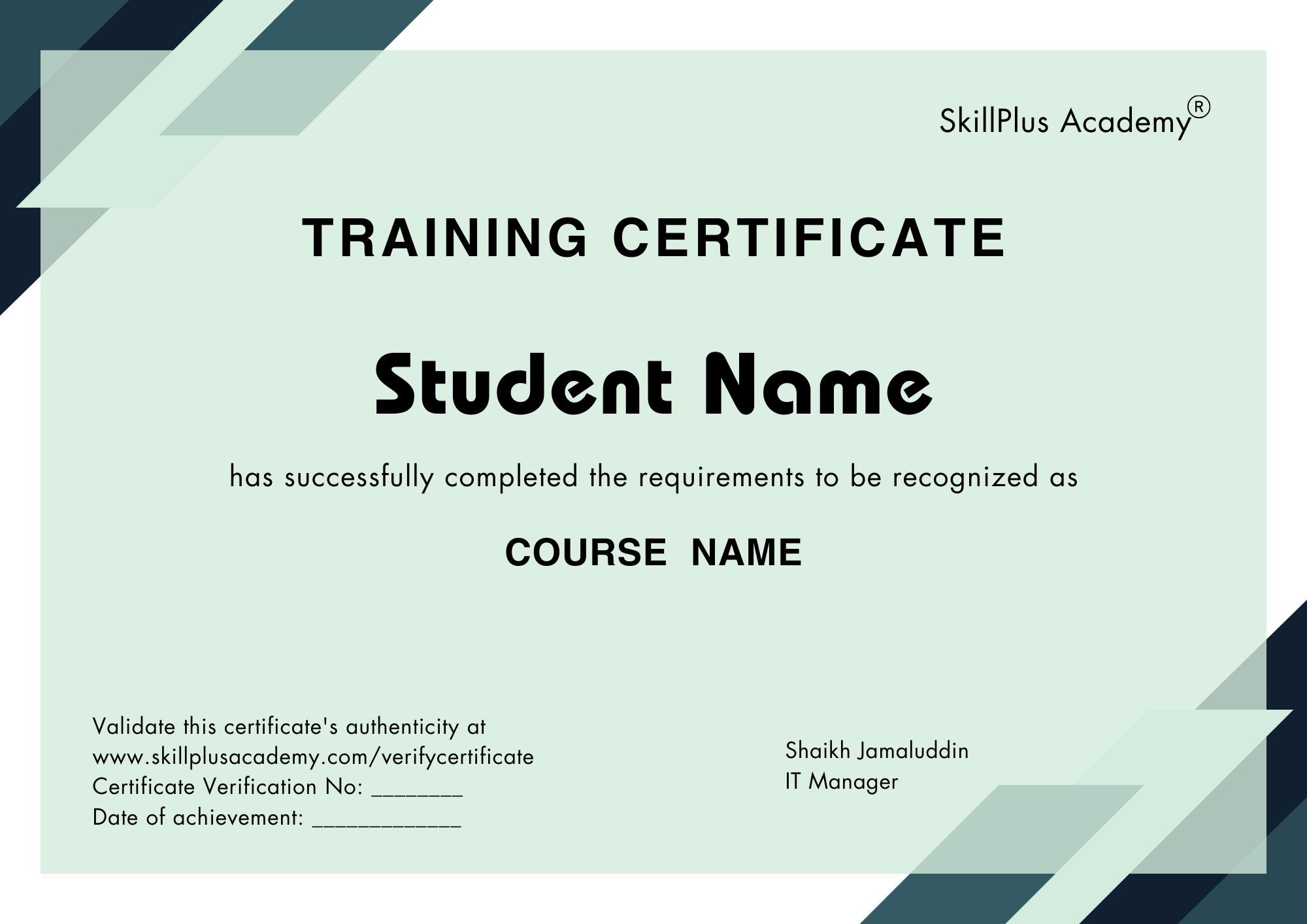
Fast-track promotions and leadership roles.
Credentials trusted by top employers.
Add certificates to LinkedIn instantly.
Get noticed for high-growth roles.
Hands-on projects and real-world learning.
Connect with learners and mentors.
Windows Server Course FAQs
SkillPlus Academy is the top Windows Server Training Institute, with hands-on labs and certified mentors.
Yes – SkillPlus Academy starts from Windows Server installation and AD basics, ideal for beginners with no prior experience.
SkillPlus Academy offers 100% placement support with resume building and mock interviews.
Yes – Microsoft Certified: Windows Server Hybrid Administrator Associate (AZ-800 & AZ-801) increases salary by 30–40%.
SkillPlus Academy includes practice tests, exam vouchers, 1:1 doubt sessions.