FortiGate Firewall Course with Placement Assistance
India: INR, Abroad: USD.
FortiGate Firewall Course Overview
FortiGate Firewall Course Curriculum
- Common Network Security Terms
- Identifying Malware (Malicious Software)
- Introduction to Firewall Technologies
- Overview of Fortinet FortiGate
- Installing FortiGate on VMware, GNS3, and EVE-NG
- FortiGate Dashboard Overview
- FortiGate Interfaces, Zones, and VLANs
- One-Armed Sniffer Mode
- Redundant & Aggregate Interfaces
- Virtual Wire Pair
- Administrative Access Configuration
- DNS Server Configuration
- Routing Concepts (Static, Default, Policy, Dynamic)
- Static & Default Route Configuration
- Policy-Based Routing
- RIP, OSPF, BGP – Setup and Verification
- Route Redistribution
- Understanding FortiGate Policy Structure
- MAC/IP/User/Service-Based Policy Rules
- Schedule-Based Access Control
- DHCP Server & Relay Concepts
- Configuring FortiGate as DHCP Server
- Configuring FortiGate as DHCP Relay
- FortiGate License Activation
- Security Profiles: Antivirus, Web Filter, DNS Filter, Application Control, Intrusion Prevention System (IPS), File Filtering
- Flow-based vs Proxy-based Inspection
- Profile-based vs Policy-based NGFW Modes
- Blocking Applications (e.g., Facebook)
- Transparent Mode Overview
- NAT Overview: SNAT, DNAT, Overload
- Policy-Based NAT Configuration
- Address Objects and Service Objects
- High Availability Concepts
- Active-Passive and Active-Active HA
- Link Monitoring & Failover Testing
- Active Directory (AD) Integration
- Active Authentication (Captive Portal)
- Passive Authentication Setup
- Understanding Virtual Domains
- VDOM Configuration & Management
- Encryption Basics: Symmetric, Asymmetric, DH Groups
- IPSec Concepts & Protocols
- Policy-Based vs Route-Based VPN
- Site-to-Site IPSec VPN Configuration
- Backup & Restore Configuration
- Firmware Upgrade Procedures
- SNMP (v1/v2/v3) Setup
- Syslog Server Integration
- Traffic Shaping (Shared & Per-IP Shaper)
- SSL VPN – Web Portal Setup
- IPSec VPN – Remote Access Configuration
- FortiGate CLI Modes and Basic Commands
- Packet Capture (GUI & CLI)
- Debug Flow for Deep Troubleshooting
- Common Errors and Their Fixes
FortiGate Firewall Course Outcomes
See what you will be able to do step‑by‑step after completing this Fortinet FortiGate Firewall training.
FortiGate Fundamentals
- Install & configure FortiGate Next-Gen Firewalls.
- Understand FortiOS architecture & interfaces.
- Set up FortiManager, licensing & initial policies.
Firewall Policies & NAT
- Create firewall policies, address objects & NAT rules.
- Configure Virtual IPs, IP pools & policy routes.
- Implement source NAT, destination NAT configurations.
UTM & Threat Protection
- Configure AV, IPS, Web Filter & AntiSpam profiles.
- Set up Application Control & DLP policies.
- Enable FortiGuard services & sandbox analysis.
VPN & High Availability
- Configure IPsec VPN, SSL VPN & SD-WAN.
- Set up Active/Passive & Active/Active HA clusters.
- Prepare for NSE 4/5/6 Fortinet certifications.
FortiGate Firewall Course Roadmap
Follow a clear path from FortiOS basics to NSE certification and job-ready roles.
FortiOS & Firewall Fundamentals
- Install & configure FortiGate Next-Gen Firewalls.
- Understand interfaces, VDOMs & FortiOS architecture.
- Set up FortiManager, FortiAnalyzer & licensing.
Firewall Policies & NAT Rules
- Create firewall policies, address objects & Virtual IPs.
- Configure IP pools, policy routes & NAT rules.
- Implement firewall schedules & security profiles.
Advanced UTM Protection
- Configure AV, IPS, Web Filter & Application Control.
- Set up AntiSpam, DLP & FortiGuard services.
- Enable sandbox analysis & zero-day protection.
SD-WAN, VPN & NSE Certification
- Configure IPsec VPN, SSL VPN & SD-WAN policies.
- Prepare for Fortinet NSE 4/5/6 certification exams.
- Target Network Security Engineer & Firewall Admin roles.
FortiGate Firewall Career Path
Become a certified Fortinet Security Professional and lead the cybersecurity landscape.
The Associate Phase
Role: Junior Security Administrator (NSE 4 Level)Focus on FortiGate deployment, firewall policies, and user authentication. You will learn to manage FortiOS, configure SSL-VPN, and handle basic security profiles like Antivirus and Web Filtering.
The Security Specialist
Role: Network Security Engineer (NSE 5/7 Level)Expertise in centralized management using FortiManager and log analysis with FortiAnalyzer. Mastering SD-WAN, Advanced Routing, and FortiGate VDOMs for multi-tenant environments.
The Security Architect
Role: Principal Security Solutions Architect (NSE 8)Designing complex Fortinet Security Fabric solutions. Leading integration of Cloud Security, FortiSIEM, and FortiWeb. Expert at troubleshooting large-scale enterprise infrastructures and automation.
Showcase Your Skills & Certification
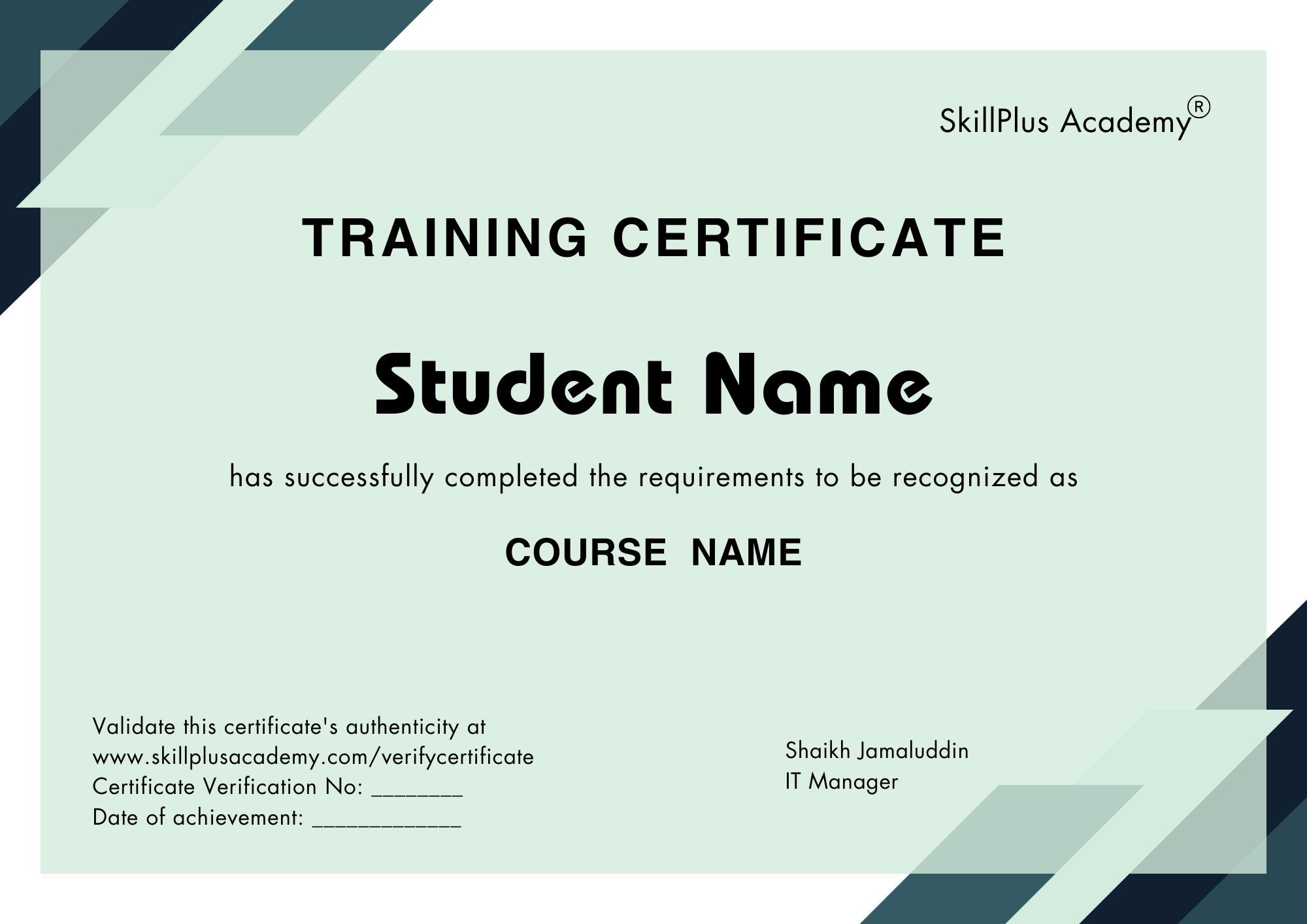
Fast-track promotions and leadership roles.
Credentials trusted by top employers.
Add certificates to LinkedIn instantly.
Get noticed for high-growth roles.
Hands-on projects and real-world learning.
Connect with learners and mentors.
FortiGate Firewall Course FAQs
SkillPlus Academy offers one of the best FortiGate Firewall Training with hands-on training, expert mentors, and industry-recognized certifications.
This course teaches you how to configure, manage, and secure networks using Fortinet’s FortiGate firewall. You’ll learn:
- Firewall policy creation
- NAT, VPN, and UTM configuration
- Hands-on labs using GNS3 or VMware
- Real-world enterprise scenarios
- Whether you’re preparing for the NSE 4 certification or managing production firewalls, this course covers it all.
This FortiGate course is ideal for:
- Network &
- Security Engineers
- System Administrators / IT Managers
- Professionals preparing for Fortinet NSE4
- Anyone looking to gain practical FortiGate experience
Yes, but only basic networking knowledge such as:
- IP addressing & subnetting
- Firewall concepts
- OSI model understanding
No FortiGate or Fortinet product experience is required – we start from the ground up.
Yes! Our course features practical labs where you’ll simulate cyberattacks, configure secure networks, and analyze threats, guided by experienced instructors.
Yes! Once enrolled, you’ll receive lifetime access to recorded sessions, downloadable resources, and lab instructions, so you can revise anytime at your convenience.
Yes, you will receive a verifiable digital certificate upon successfully completing the course. You can share it on your LinkedIn profile or verify it on our website using your unique certification code.
Absolutely! Our career support includes resume-building tips, interview preparation, and job opportunity alerts. Many alumni have secured roles like Security Analyst or Network Security Specialist after completing the course.